Last updated: August 2026 · Primary Laravel SaaS page for aruntyagi.com
Laravel SaaS Development Services India is the dedicated commercial page for founders who need to build scalable SaaS with Laravel. If you searched saas in laravel, laravel for saas, saas with laravel, or laravel saas application — this is the page that answers cost, architecture, delivery, and how to hire without an agency.
I'm Arun Tyagi, a senior freelance Laravel SaaS developer based in Noida. I ship multi-tenant products end-to-end: tenancy, billing, APIs, admin, staging, and launch. You work with me directly — WhatsApp +91 8791775933 · Book a free call.
Lead magnet — 48-hour MVP scope
Send a short brief (who it is for, the one job Phase-1 must do, timeline, budget band). I return a written Phase-1 scope + INR range within 48 hours of the discovery call — no sales deck, no agency markup.
Book a free call · WhatsApp for 48-hr scope
Case study outcomes (at a glance)
| Project | Type | What shipped | Link |
|---|
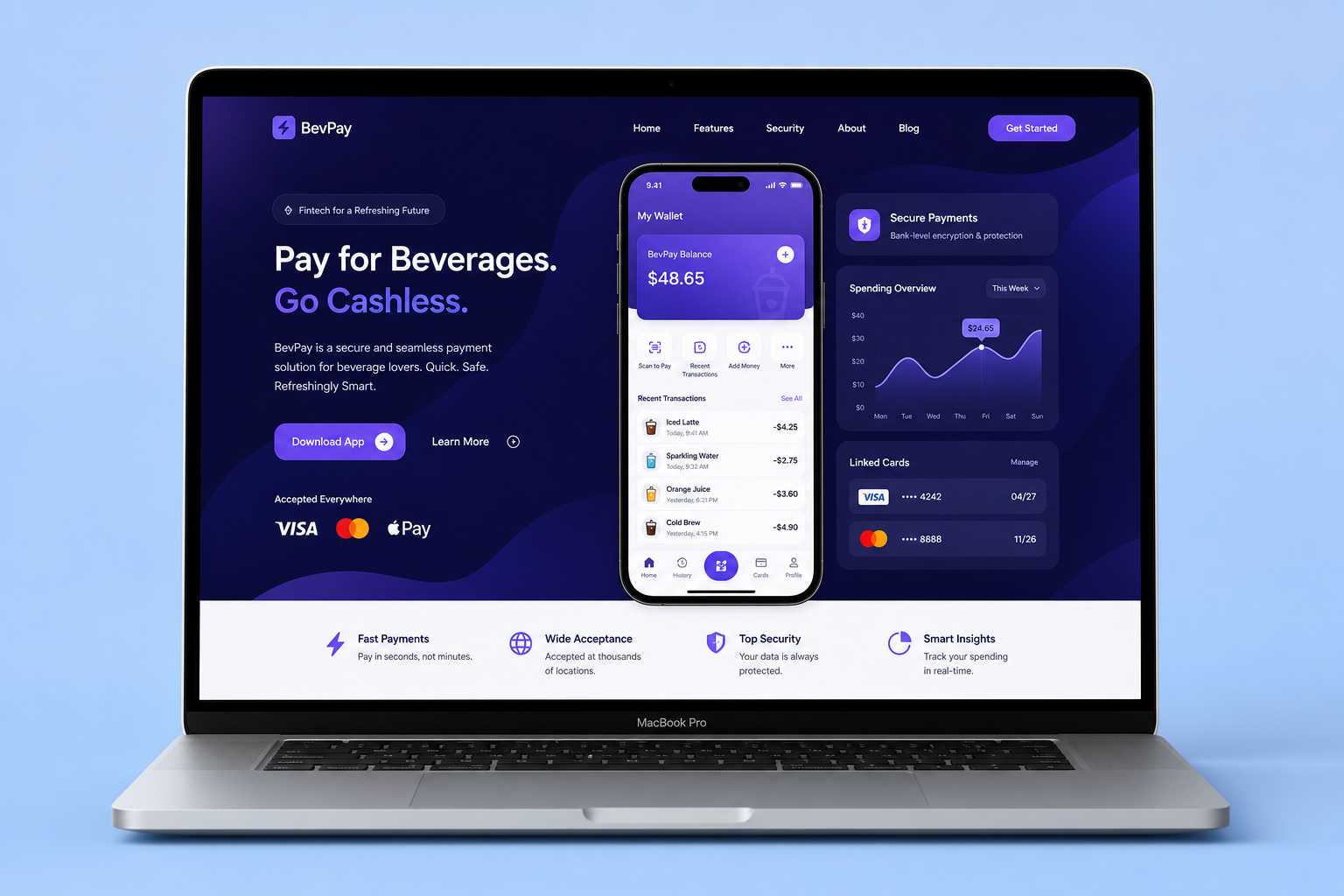
| PayBev | Payments / SaaS-style | Secure flows, admin visibility, milestone Laravel delivery | Case study |
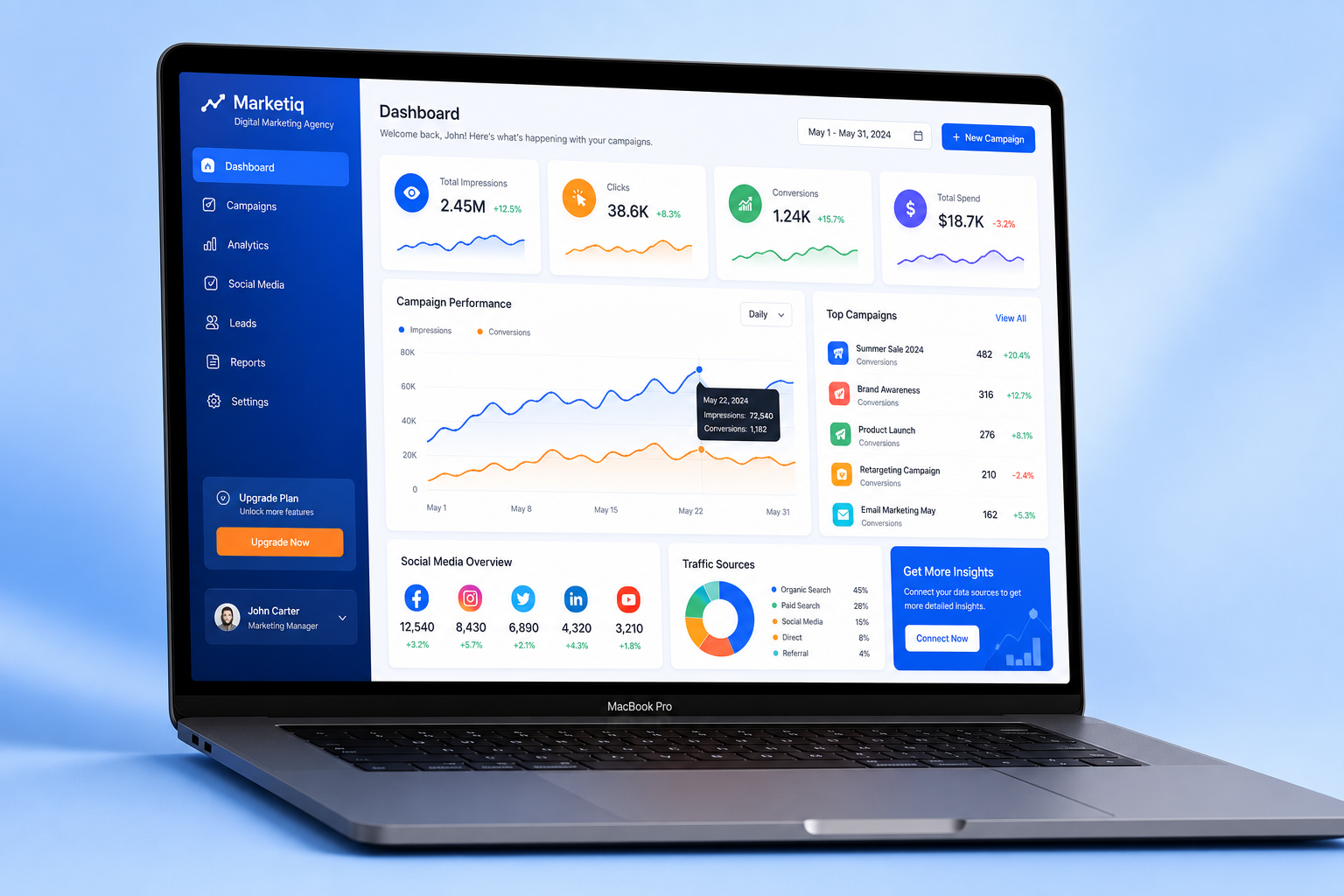
| eZanga | Marketing ops platform | Scoped Laravel/PHP features under campaign pressure | Case study |
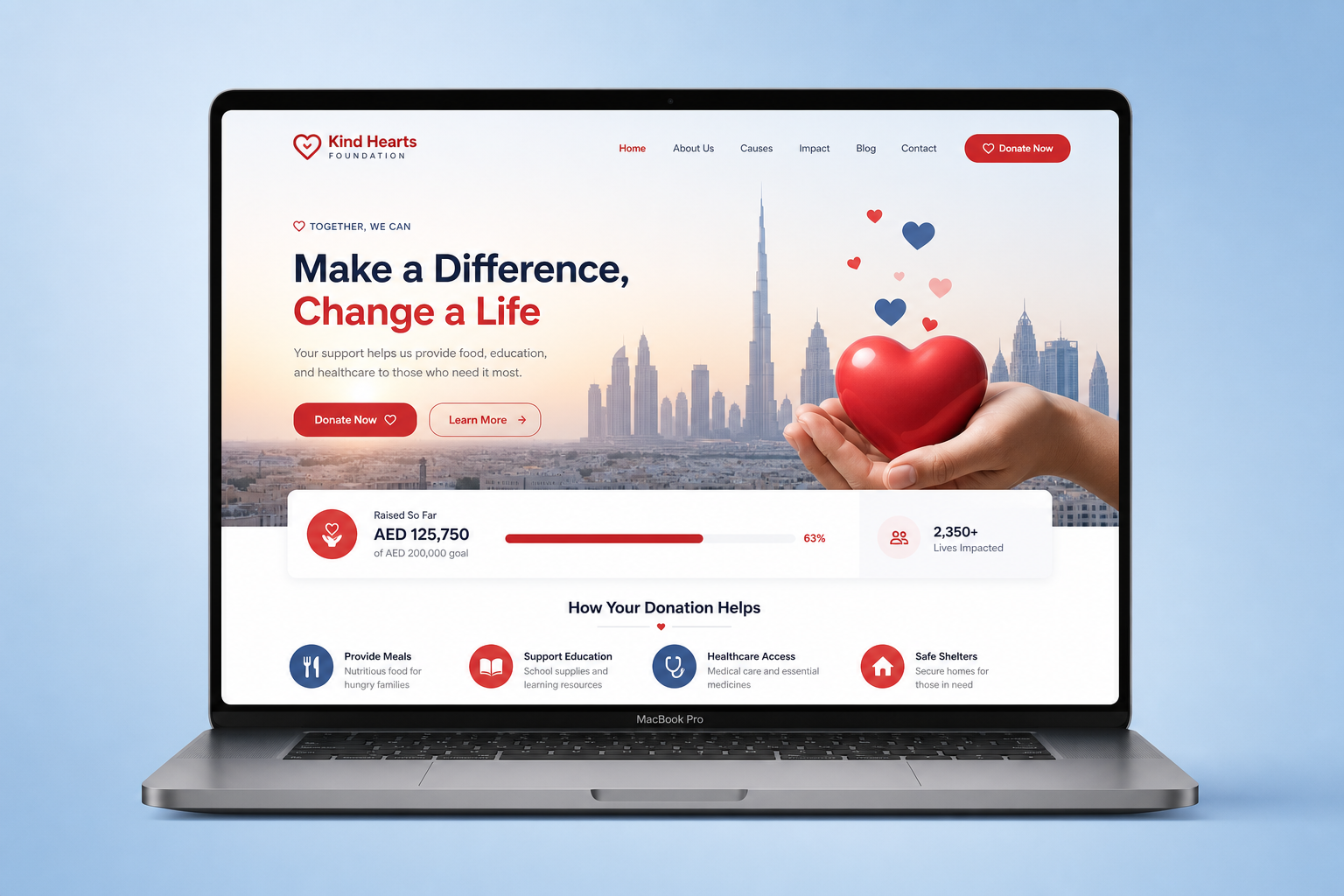
| Dubai Charity | Donations / UAE | Donation flows, events, multi-language, handover-ready | Case study |
Who this Laravel SaaS service is for
- Founders validating a B2B SaaS MVP in 8–16 weeks
- Product teams that need a production Laravel API for React / Next.js / mobile
- Companies replacing fragile MVP code before the next funding or enterprise pilot
- UAE / India / remote clients who want senior ownership, not a rotating bench
Architecture diagram (how a typical build is structured)
[ Browser / React / Next.js / Mobile ]
              |
         HTTPS + Sanctum
              |
     Laravel API (tenancy scope)
      |         |          |
  Domains   Billing     Admin
  (Eloquent (Cashier /  (Filament
   + scopes) Razorpay)   / custom)
      |         |          |
      +---- Queues / Redis / Horizon ----+
                      |
              MySQL + backups
                      |
         Staging  →  Production
Tenancy is enforced in the application layer (organisation/workspace id + global scopes) unless a contract requires database-per-tenant (then tools like stancl/tenancy enter the conversation). Billing webhooks are first-class. Feature flags (Laravel Pennant) keep unfinished modules dark.
What Laravel SaaS development includes
- Discovery — ICP, Phase-1 feature cut, tenancy decision, billing provider
- Domain model — organisations, roles, invites, audit-friendly schemas
- Core product loop — 5–8 screens that prove value, not the full pitch deck
- Subscriptions — Stripe Cashier or Razorpay, trials, failed payments, invoices
- API — versioned REST, Sanctum, pagination, rate limits
- Admin / ops — Filament or custom panels so support does not need SSH
- Launch — staging, CI checks for tenant isolation, backups, runbook
Pricing — Laravel SaaS builds in India (INR)
| Build type | Typical range | Timeline | What’s included |
|---|
| API backend for SaaS / mobile | ₹60,000–₹1,80,000 | 4–8 weeks | Auth, core endpoints, queues, staging |
| Lean multi-tenant SaaS MVP | ₹1,20,000–₹4,50,000 | 8–16 weeks | Tenancy, billing, roles, admin, launch |
| Marketplace / two-sided SaaS | ₹2,50,000–₹5,00,000 | 12–20 weeks | Listings, payments, admin, API |
| Full platform / complex billing | ₹3,00,000–₹6,00,000+ | 16–24 weeks | Metering, multi-plan, advanced ops |
Most serious MVPs I quote land between ₹1.2L and ₹4.5L. Hourly architecture/consulting is available at ₹3,000/hr. Written estimate after a free discovery call — no vague “contact for pricing.”
Case study 1 — PayBev (fintech-style SaaS payments)
Problem: Beverage payments product needed secure transaction flows, user management, and a maintainable Laravel codebase that could survive past MVP.
Approach: Laravel domain model for payments and users, admin visibility for ops, milestone demos on staging, careful handling of money-path edge cases.
Outcome: Production platform delivered on agreed milestones with a codebase the client could extend or hand to their team. PayBev case study.
Case study 2 — eZanga (digital marketing platform)
Problem: Advertising/marketing operations tooling needed reliable PHP/Laravel feature work under real campaign pressure — not a rewrite for its own sake.
Approach: Scoped modules, staging verification, defensive validation around high-risk updates, clear acceptance criteria per release.
Outcome: Production features that improved operational tooling and maintainability. eZanga case study.
Case study 3 — Dubai Charity (donations / recurring giving)

Problem: UAE-facing charity platform needed donations, events, and multi-language content with a stack the organisation could operate after handover.
Approach: Laravel web application with donation flows, admin, and milestone delivery aligned to Gulf-friendly communication.
Outcome: Live charity platform with maintainable handover. Dubai Charity.
How we work (engagement model)
- Free 30-minute call — product, timeline, budget band
- Written Phase-1 scope + INR estimate (usually within 48 hours)
- 50% / milestone payment structure (never 100% upfront)
- Weekly progress notes + staging URLs
- Launch + optional retainer for continuous delivery
Capacity is intentionally limited so founders get senior attention. If the calendar is full, I say so immediately.
Laravel SaaS vs Node / other stacks (honest take)
Choose Laravel when you want fast MVP velocity, strong India hiring depth later, and a battery-included backend (auth, queues, mail, validation). Choose Node when your product is primarily real-time collaborative canvases. I will tell you on the discovery call if Laravel is the wrong default — keeping a bad-fit project helps nobody.
Detailed delivery phases
Week 0 — Discovery. We freeze Phase-1 scope. That usually means cutting the pitch deck in half. The goal is one core user journey that works end-to-end with real auth and real billing (or a clear waitlist if billing is intentionally deferred).
Weeks 1–3 — Foundations. Organisation model, roles, invites, global scopes, CI smoke tests for tenant isolation, staging environment, and deploy pipeline. This is where most cheap builds skip work — and where leaks happen later.
Weeks 4–8 — Product loop. The 5–8 features that prove value. Admin tools for support. Queues for email and webhooks. Weekly staging demos so you see progress, not a surprise at the end.
Weeks 8–16 — Harden and launch. Billing edge cases, rate limits, backups, runbooks, soft launch with a pilot cohort, then public launch. Optional retainer starts after go-live if you want continuous delivery.
What “scalable SaaS with Laravel” actually means
Scalable does not mean microservices on day one. It means: indexes on the queries you actually run, queues for slow work, caching where reads dominate, and tenancy that cannot be forgotten in a new controller. I have run Laravel SaaS workloads on modest VPS budgets with Redis and careful SQL — the framework rarely is the bottleneck; the data model is.
When traffic grows, we scale vertically first, then read replicas, then split hot paths. Premature distributed architecture burns runway. Founders who want “Kubernetes from week one” usually need a smaller MVP more than a cluster.
Security and compliance basics included
- Organisation-scoped policies/gates on every mutating action
- No trusting
organisation_id from the client as authorization
- Secrets only in environment config — never in front-end bundles
- Signed temporary URLs for exports and downloads
- Rate limits on login, password reset, and sensitive APIs
- Dependency updates planned into retainers (Composer + npm)
If you sell to enterprises later, we can layer SSO, audit logs, and harder tenancy isolation — without rewriting the product if Phase-1 foundations were honest.
Agency vs senior freelancer for Laravel SaaS
For SaaS builds under roughly ₹10 lakh, a senior freelancer usually wins on ownership and cost. Agencies win when you need parallel design/QA capacity under one contract. If you are comparing “Laravel development agency in India” options, read the comparison article and then come back here for the SaaS-specific engagement: Agency vs freelancer.
What I need from you to quote accurately
- Who the product is for (one sentence)
- The one job it must do in Phase 1
- Whether users are individuals or companies/teams
- Billing: free, subscription, usage, or later
- Front-end: Laravel Blade, React, Next.js, or mobile API only
- Timeline and budget band
With that, I can usually return a written estimate within 48 hours of the discovery call.
Common SaaS failure modes I prevent on purpose
Fake tenancy. Filtering by user_id everywhere and calling it multi-tenant. It works in demos. It fails when companies have multiple seats. We use organisation/workspace isolation with global scopes and tests.
Billing as an afterthought. Beautiful pricing pages with broken dunning. Webhooks must be idempotent before you polish CSS.
No admin. Founders SSH into production to reset passwords. Support needs a panel from week one.
Big-bang scope. Twenty epics in Phase 1. We cut to the core loop so you can learn from real users instead of inventing requirements in a vacuum.
Silent freelancers. No staging URLs, no weekly notes. My default is written updates and demos you can click.
Retainers after launch
Most SaaS products need a second brain after launch: small features, billing edge cases, performance, and dependency updates. Monthly retainers start around ₹90,000 for ~40 hours. There is no obligation to continue — but the option exists so you are not hunting a new developer every sprint.
International clients can pay in USD/GBP via Wise, PayPal, or bank transfer. Indian clients receive GST-compliant invoicing when applicable.
Tech stack I use for Laravel SaaS products
Default backend is current Laravel with PHP 8.2+, MySQL or PostgreSQL, Redis for queues and cache, and Horizon when volume justifies it. Auth is typically Sanctum for SPA/mobile APIs or session auth for Blade apps. Billing is Stripe Cashier for international cards or Razorpay for India-first products. Admin is Filament when speed matters, or a custom panel when the product UI is the brand.
Front-ends I ship with include Blade + Livewire for fast internal tools, React or Next.js when the product UI needs a modern SPA feel, and React Native when a mobile companion is part of Phase 1. Testing starts with PHPUnit/Pest on tenancy and billing paths — the two places that destroy trust if they fail quietly.
Hosting is pragmatic: managed VPS or cloud (DigitalOcean, AWS Lightsail, Forge-managed servers) with staging that mirrors production. DNS, SSL, backups, and a simple deploy script are part of launch — not “you figure it out later.”
FAQ — Laravel SaaS development (India)
People searching laravel saas, saas in laravel, laravel for saas, and laravel saas application usually ask the same practical questions. Short answers below — the accordion FAQ on this page expands them for Google.
Is Laravel good for SaaS? Yes for most B2B products: multi-tenant workspaces, subscriptions, APIs, queues, and admin panels ship faster than greenfield stacks.
Can I build a SaaS application with Laravel? Yes — shared-database tenancy + Stripe/Razorpay covers most early products. Database-per-tenant is optional for enterprise contracts.
How much does Laravel SaaS development cost in India? Lean MVPs typically sit at ₹1.2L–₹4.5L depending on tenancy, billing, and feature count. You get a written estimate after discovery.
How long does a Laravel SaaS MVP take? Most lean multi-tenant MVPs land in 8–16 weeks once Phase-1 scope is frozen. API-only backends can ship faster (4–8 weeks) if the front-end is handled elsewhere.
Do you work with Dubai / UAE founders? Yes — overlapping hours and WhatsApp-first communication. Pricing can be discussed in AED; delivery is remote from Noida. See also Hire Laravel developer for Dubai.
Will you join my existing repo? Yes, after a paid architecture review. I will not silently rewrite a working codebase; we agree on the smallest safe path first.
Is this the only SaaS money URL? Yes for commercial intent. Older sister URLs 301 here so Google does not split impressions. Guides live under /blog/ and link back to /laravel-saas-development.
Related reading (supports this money page)
Next step — 48-hr MVP scope: Book a free discovery call or WhatsApp +91 8791775933 with a 5–10 sentence brief (who it is for, the one job it must do, timeline, budget band). I usually return a written Phase-1 scope within 48 hours.
Related reading